


British IPTV: A Practical Guide to TV, Sport and Streaming
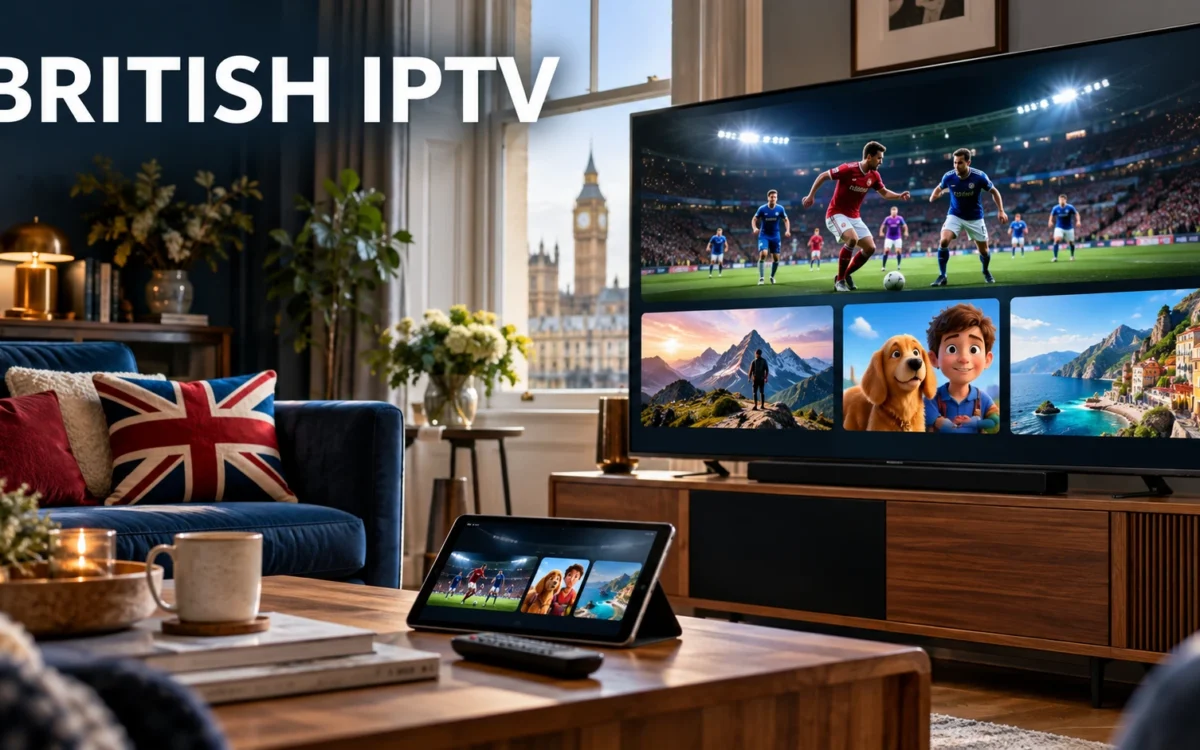
British IPTV: A Practical Guide to TV, Sport and Streaming
Start with your household’s viewing routine
A British IPTV package should suit an ordinary week, not just one impressive demonstration. Think about your morning news, evening entertainment, weekend football and occasional film night. Those routines reveal what deserves attention when you browse a package or request a trial.
Write down three essential viewing needs and two optional ones. For example, a household might prioritise British programmes, live football and children’s entertainment, while treating international films and documentaries as extras. This keeps the decision manageable and gives support clear questions to answer.
If two people often watch different programmes at the same time, ask about simultaneous connections before buying. A service that works on several device types may still limit concurrent playback. Device compatibility and connection allowance answer different questions, so confirm both.
What does British IPTV mean in practice?
IPTV stands for Internet Protocol Television: television delivered through an internet connection. Depending on the service and supported player, you may access scheduled live channels and a separate on-demand library. The label alone does not establish the content, features or quality of a particular package.
British IPTV usually describes UK-focused viewing, but it need not be limited to programmes from Britain. Our offering includes international categories too. If country coverage is your main interest, read our United Kingdom IPTV guide for a broader overview of the entertainment categories.
When searching for IPTV UK, distinguish the service from the player. The service supplies access to its available content; the player is the application used to navigate and watch it. Installing an application does not automatically provide a subscription or confirm compatibility with your chosen package.
Choose content around what you actually watch
British programmes and everyday television
For British IPTV, start by checking the programme types that form your normal routine. General entertainment, news, lifestyle shows and documentaries may matter more to you than unfamiliar categories. Ask about essential programmes directly rather than assuming every British channel or show is included.
Try navigating the UK section with your usual remote. If your player supports favourites, add a few useful channels and see how quickly you can return to them. A programme guide, where available, should help you understand what is showing without opening each stream.
Live football and other sports
Our offering includes live sports channels, including football coverage. When assessing British IPTV for sport, ask about the competition or event you follow and check the relevant schedule. A sports category does not guarantee every match, tournament or commentary option.
Test the available coverage on your main television at a time when you normally watch. Pay attention to movement, sound and interruptions. A brief daytime test can be useful, but it may not reflect an evening when other people at home are also using the internet.
Movies, series and children’s entertainment
British IPTV can also support quieter evenings with movies, TV shows and kids’ channels. Our offering includes those categories, including newer movie content. Check individual titles, available episodes and language options when those details influence your decision.
Parents should review age suitability and the controls available in their chosen player. Optional adult content is available on request; discuss category access separately if children share the screen. Do not assume that every application provides the same restrictions or PIN features.
Make international viewing part of your checklist
A British IPTV setup can be useful for multilingual households as well as viewers who enjoy overseas entertainment. Our server offering includes channels from countries such as the USA, Germany and Italy, alongside countries across Asia and other regions.
Instead of asking whether a package has “international TV”, identify the country, language and content type you want. News, family programmes and films may sit in different categories. A country section does not necessarily contain every channel from that country.
If you are comparing IPTV United Kingdom options for a multilingual family, test each person’s preferred category. Consider the original broadcast time too: overseas programmes may air at inconvenient UK hours. Ask whether any relevant catch-up or on-demand option is actually available rather than assuming it is included.
Match the setup to your main device
Before paying for British IPTV, confirm the exact device model, operating system and player you intend to use. Smart TVs, streaming sticks, phones, tablets and computers may require different applications or login methods. A general compatibility statement is less useful than confirmation for your specific setup.
Start with your most important screen. If television is a shared evening activity, test on the living-room TV first. If you mostly watch alone, focus on the device you genuinely use. Extra device options have limited value if the main viewing experience is uncomfortable.
For British IPTV on a television, check remote navigation, readable menus and category organisation. On a smaller screen, check touch controls and text size. If a player charges separately for activation or use, understand that cost before treating it as part of the subscription price.
Keep login details private and follow the instructions supplied for your player. If setup fails, report the application name, device model and error message. That information gives support a clearer starting point than simply saying that the service does not work.
Check your British IPTV connection under realistic conditions
Playback depends on more than a headline broadband speed. Your device, local Wi-Fi, other household activity, player and stream can all affect the result. During a British IPTV trial, use the connection and screen you expect to use after subscribing.
If possible, compare Wi-Fi with a wired connection on the same device. Also notice whether performance changes when downloads or other streams are running. This helps you separate a household connection problem from an issue affecting one particular programme.
Check several categories rather than repeatedly opening the same stream. If one programme struggles while others play normally, note its category and the time. If everything struggles, review the local connection and player before making a conclusion about the whole package.
A simple British IPTV trial plan
Use a trial as a short assessment with a clear purpose. Our IPTV free trial article explains what to check before committing. Ask about current trial availability, duration and any conditions before organising your test.
| Test | What to try | What to record |
|---|---|---|
| Everyday TV | Browse your preferred British programmes | Selection and ease of navigation |
| Sport | Check available coverage you would normally watch | Picture, sound and playback behaviour |
| On demand | Open a film and a series episode | Title availability and usable controls |
| Family viewing | Review children’s categories and settings | Suitable content and access restrictions |
| International TV | Browse your preferred country or language | Relevant channels and schedules |
After testing British IPTV, separate essential problems from minor preferences. Missing your favourite category may be a reason to reconsider; an unfamiliar menu may simply need adjustment. Ask about unresolved issues before choosing a longer subscription.
Compare plans without relying on advertising claims
Searches such as best IPTV UK and best IPTV provider show that people want confidence before buying. There is no single package that suits every household. Compare confirmed content, device support, connection limits, duration and purchase terms against your own checklist.
For British IPTV, a useful comparison also considers how questions are handled before purchase. Can you get clear information about setup and essential viewing needs? Our guide to choosing an IPTV provider offers a separate framework for comparing IPTV providers.
If you are researching an UK IPTV subscription option, review the actual package details on our website. Confirm the total price, duration and permitted connections. Avoid assuming that refund conditions, renewal arrangements or player fees are identical across services.
A shorter initial commitment may help you evaluate everyday use before choosing a longer duration. Whatever term you prefer, base the decision on confirmed details and your test results. An attractive headline cannot answer every practical question about your home setup.
Keep useful notes when something goes wrong
If British IPTV playback stops, record whether the problem affects one stream or several. Check whether other internet applications still work, and note any error shown by the player. Avoid changing several settings together; making one adjustment at a time helps you identify what improved the result.
When contacting support about British IPTV, explain what happened, which device you used and whether the issue repeated. Do not send your password in a public comment or screenshot. Clear notes make follow-up easier and help you assess whether the setup remains practical for everyday viewing.
Frequently asked questions about British IPTV
Can I use it for both live TV and movies?
Our offering includes live television, movies and TV shows. Check the current library and channel selection, especially if you want a particular programme. Live broadcasts and on-demand titles are separate forms of access, so confirm where your preferred content appears.
Does it include international channels?
Yes, our content offering includes international categories alongside British viewing. Ask about specific countries, languages and programmes before purchase. Broad regional descriptions should not be interpreted as a promise that every channel from every country is available.
Can I watch on more than one screen?
Ask about the connection allowance for the plan you are considering. Compatibility with multiple device types does not automatically permit simultaneous streaming. Confirm how the package works for your household if people regularly watch different programmes at the same time.
What should I do before buying an IPTV sub?
Confirm your device and player, test your essential categories, and review the package terms. Keep a short record of any issues and ask for clarification. Your decision should reflect the content and setup you have checked, rather than assumptions about advertised features.
Find a viewing setup that fits your home
Choosing British IPTV becomes simpler when you know your priorities. Start with essential programmes, check sports and international preferences, review family settings, and test the main screen on your own connection. Then compare the available subscription options with those results in mind.
Explore IPTV Trial UK’s subscription information when you are ready, or ask about a trial first. Share your device details and preferred viewing categories so you can check the relevant options. A clear plan helps you choose entertainment that fits your household’s routine.